
OPEN SOURCE. ON YOUR MACHINE.
Beautiful hardware dashboards.
Yours to build.
A Python SDK and CLI for hardware screens on Linux.
Put live hardware readings on Lian Li UNI FAN SL Wireless LCD (SL V3) fans. Pick a design, match your build, or write your own in Python.
uv tool install pixdial
Python 3.12+ uv or pipx Free, GPL-3.0-or-later
Supported fans and USB IDs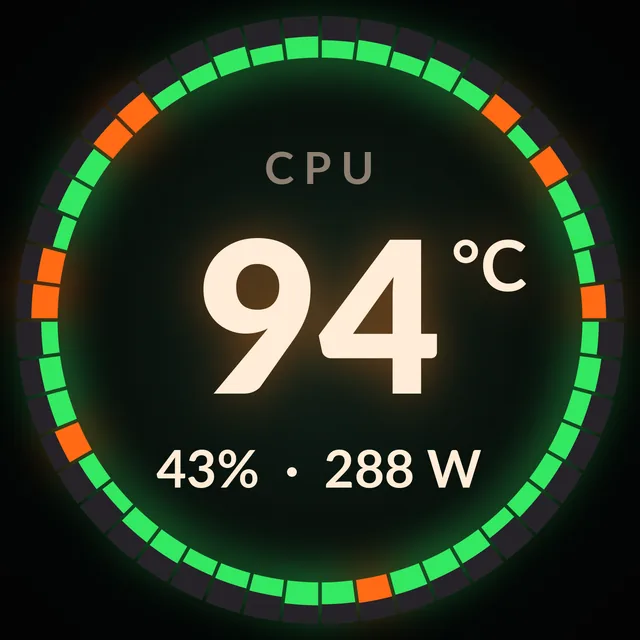
THE DESIGNS
A small screen.
A lot of possibilities.
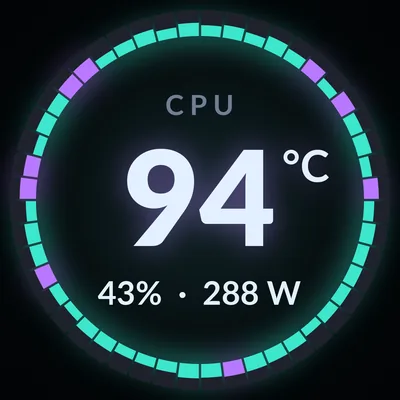
Fourteen designs for load, temperatures, power, time and more. Choose one per panel, or let them rotate.
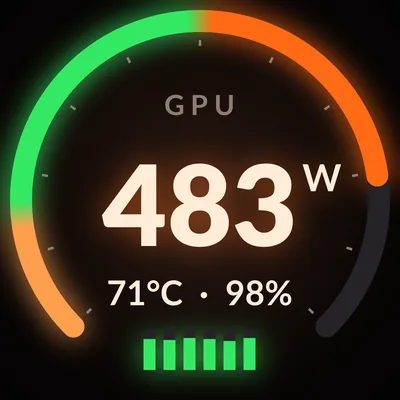
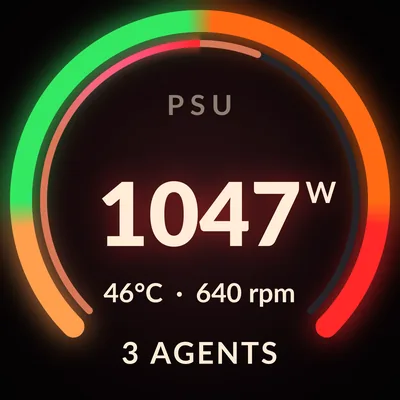
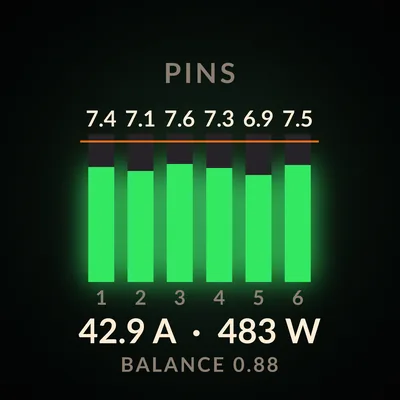
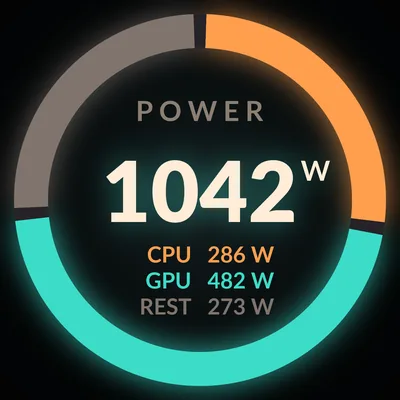
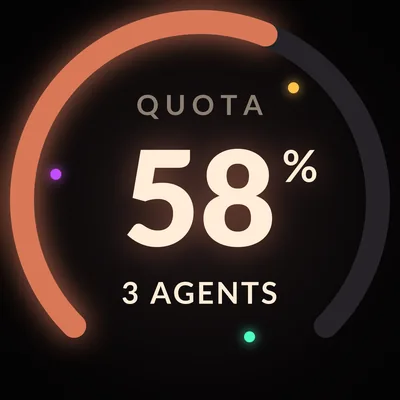
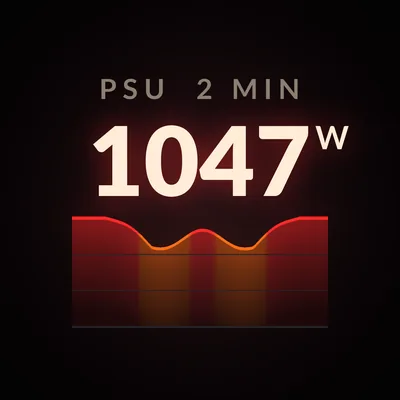
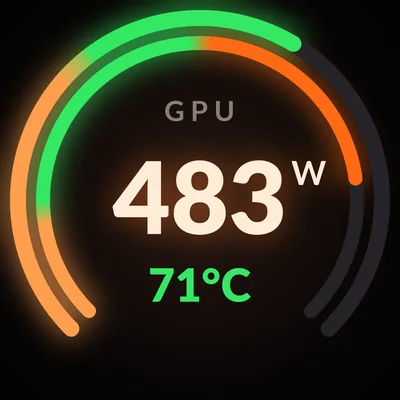
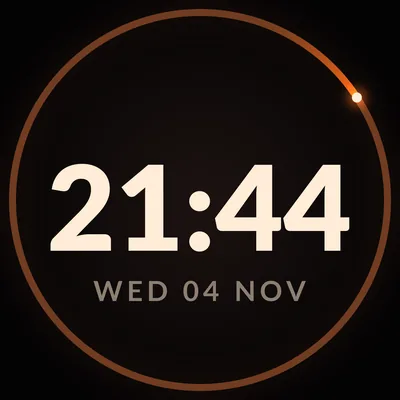
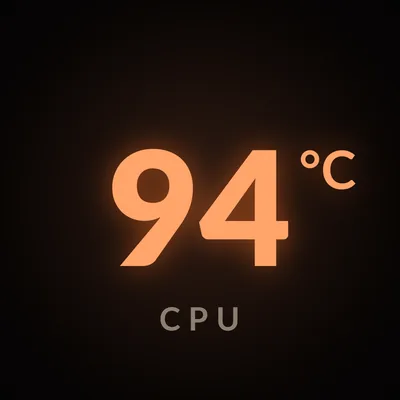
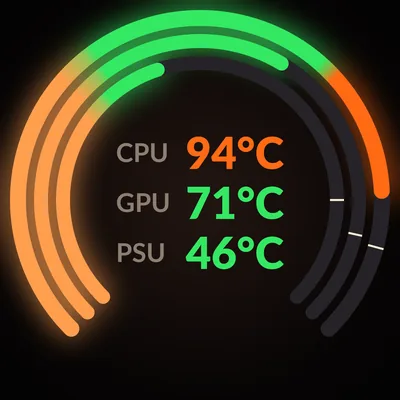
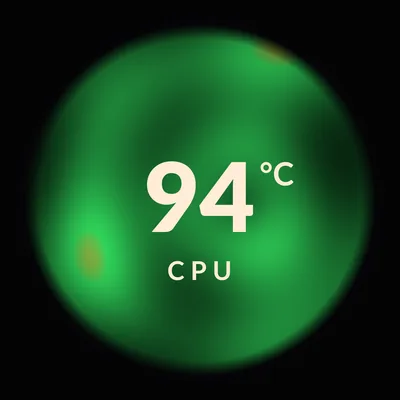
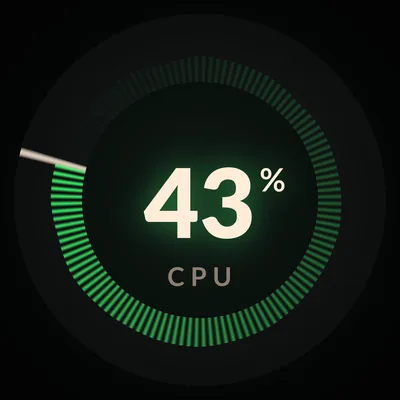
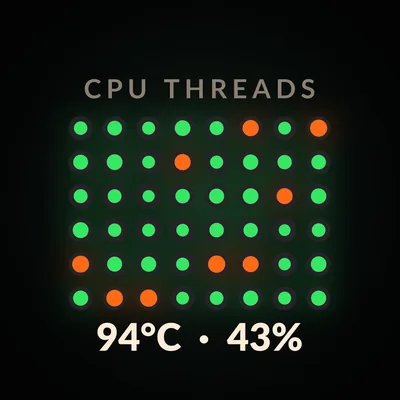
Demo readings throughout. PSU, connector currents and agent quota need configured sources.
THREE THEMES
Match your build.
Set the theme for each panel.
pixdial show crown:ember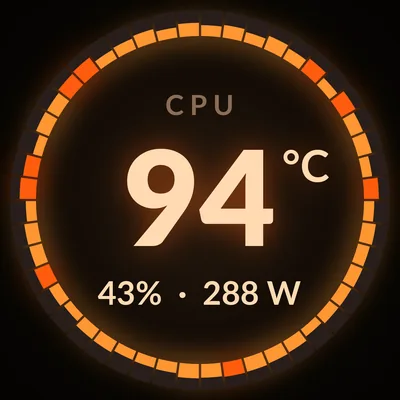
FROM TERMINAL TO PANEL
Your first dashboard.
Install.
Install pixdial from PyPI with uv.
pipx install pixdialworks too.uv tool install pixdialSet up your panels.
Setup finds your panels, gives your user access through sudo (one password prompt), writes the config and runs the checks. The README has the manual steps.
pixdial setupStart at login.
Your panels show their designs now and after every login. To try pixdial in a terminal first, use
pixdial run.
Configuration guidepixdial service install
No panel yet?
Render a preview from demo readings. No hardware needed.
pixdial render crown --state busy --out previewTHE PYTHON SDK
Your data.
Your design.
A design turns a snapshot of readings into a picture. pixdial handles sampling, layout changes and delivery to the panel.
DesignsDraw a different view.
SourcesBring your own readings.
DevicesSend frames to another display.
from pixdial.designs import LOAD, THEMES, Design
from pixdial.readings import Reading, Snapshot


class Load(Design):
    name = "load"
    shows = "CPU load on a gauge"

    def update(self, readings, now, dt):
        self.value = readings.number("cpu_load")
        return self.value, None

    def still(self):
        frame = self.frame(self.colour(LOAD, self.value))
        self.gauge(frame, self.value, LOAD)
        self.label(frame, "CPU LOAD")
        frame.number(246, self.value, "%")
        return frame.finish()


design = Load(THEMES["warm"])
readings = Snapshot({"cpu_load": Reading(42, "%")}, wall=0)
design.update(readings, now=0, dt=0)
design.render(now=0).save("demo.png")At the command line.
pixdial show crown:ember- Change the running panel.
pixdial show rotate- Cycle through designs.
pixdial list- See designs, themes and plugins.
SUPPORTED HARDWARE
One round screen. Built for it.
The Lian Li UNI FAN SL Wireless LCD (SL V3) is tested. The TL Wireless LCD (TL V2) uses the same protocol and is experimental.
| Panel | USB ID | Display | Status |
|---|---|---|---|
| Lian Li UNI FAN SL Wireless LCD (SL V3) | 1cbe:0005 | Round, 400 × 400 | Tested |
| Lian Li UNI FAN TL Wireless LCD (TL V2) | 1cbe:0006 | Round, 400 × 400 | Experimental |
Both run on Linux. Each LCD needs its own USB cable to a USB 2 header; lsusb | grep 1cbe lists the panels attached. Other panels and AIO screens need tested device plugins. pixdial does not control fan speed or RGB lighting.
What pixdial touches.
The driver sends queries, frame-rate setup, JPEG frames and brightness over USB. No firmware writes, reboots or storage commands.
Built-in readers use local files or NVML. No telemetry or network service. Configured commands and plugins run with your permissions and can use the network.
Security and boundariesA FEW DETAILS
Before you plug in.
Can I try pixdial without a panel?
Yes. pixdial render crown --out preview writes a PNG from demo readings. Rendering works on Linux and macOS. For a live preview, use the PNG device. Physical panels are supported on Linux only.
Which readings are built in?
CPU load, RAPL package power, AMD GPU readings (experimental), NVIDIA GPU readings and CPU temperature via Linux hardware sensors. Availability depends on your hardware, drivers and permissions. PSU readings, connector currents and agent quota need configured sources.
Run pixdial doctor to check each source. Missing or stale measurements show a dash.
Does pixdial need root?
No. pixdial runs as your user. pixdial setup prints the commands for the udev rule that gives you access to the panels, then runs them through sudo. On a machine nobody logs in to, it installs a group rule instead. RAPL counters can need separate read permission.
How does this relate to lian-li-linux?
sgtaziz/lian-li-linux is a Linux replacement for L-Connect 3, under the MIT licence. It controls fan speed, pumps and RGB lighting on many Lian Li devices, and drives their LCDs with images, GIFs, video, sensor presets, templates and a template editor. pixdial follows its SL V3 protocol implementation and draws the LCDs only, with its own designs and Python plugins.
You can use both: lian-li-linux keeps fan speed and RGB, and pixdial draws the LCDs. Each LCD takes one program at a time, so take the LCDs pixdial drives out of lian-li-linux's LCD list (lcds in its config.json) and restart its daemon. The README has the commands.
Can I add a design, reading or display?
Yes. Python entry points register designs, sources and devices. The example plugin includes all three. New physical displays need a device plugin and hardware testing; other resolutions also need rendering support.

Make the screen yours.
uv tool install pixdial